Fully Automatic Golden Crop Farm
Stop farming manually. This guide shows a stable 8-tile module that keeps seeds cycling, handles golden outputs, and prevents the classic “extractor jam” where items float above the machine.
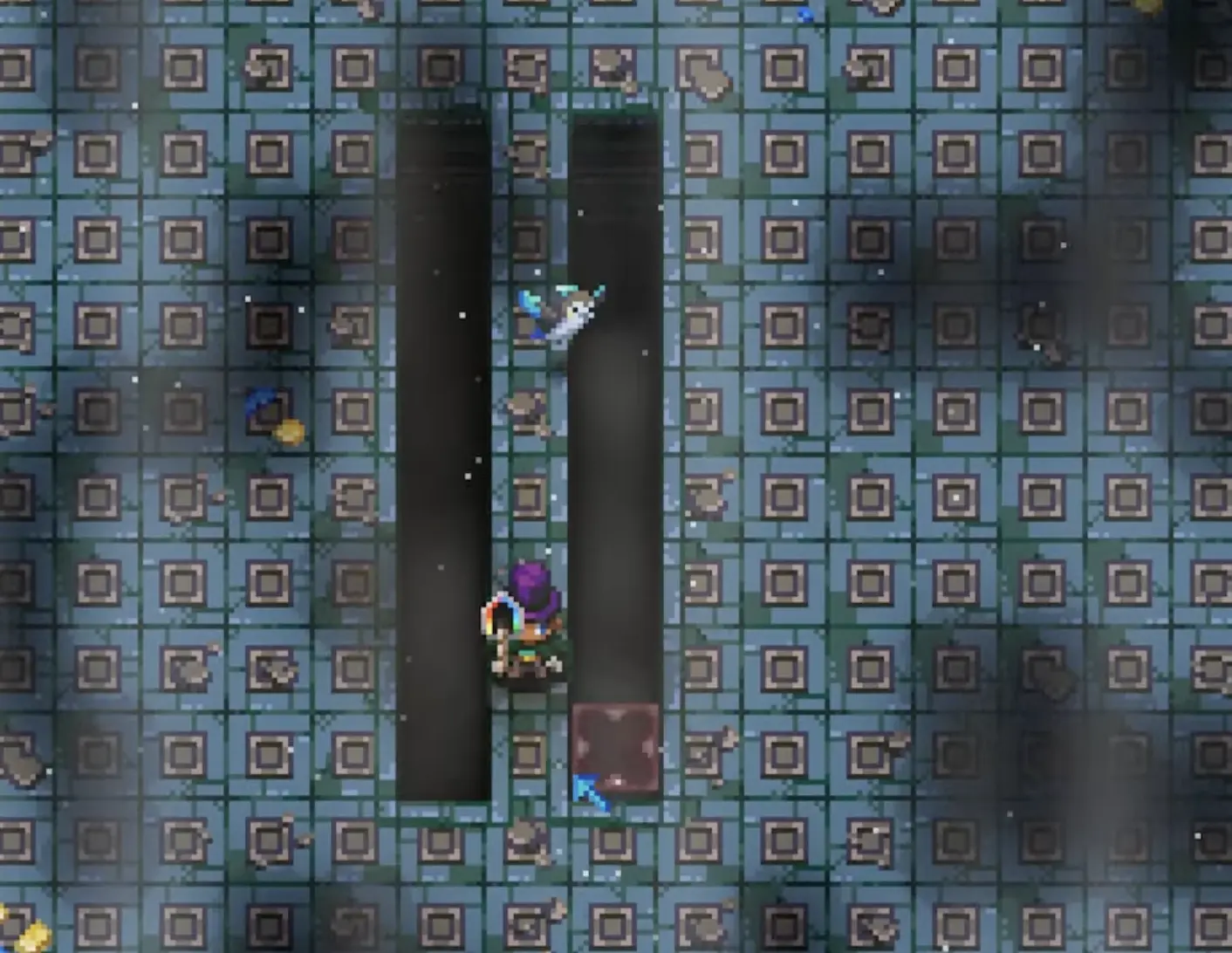
- Dig two parallel rows of tilled ground, exactly 8 tiles long (leave a 1-tile gap).
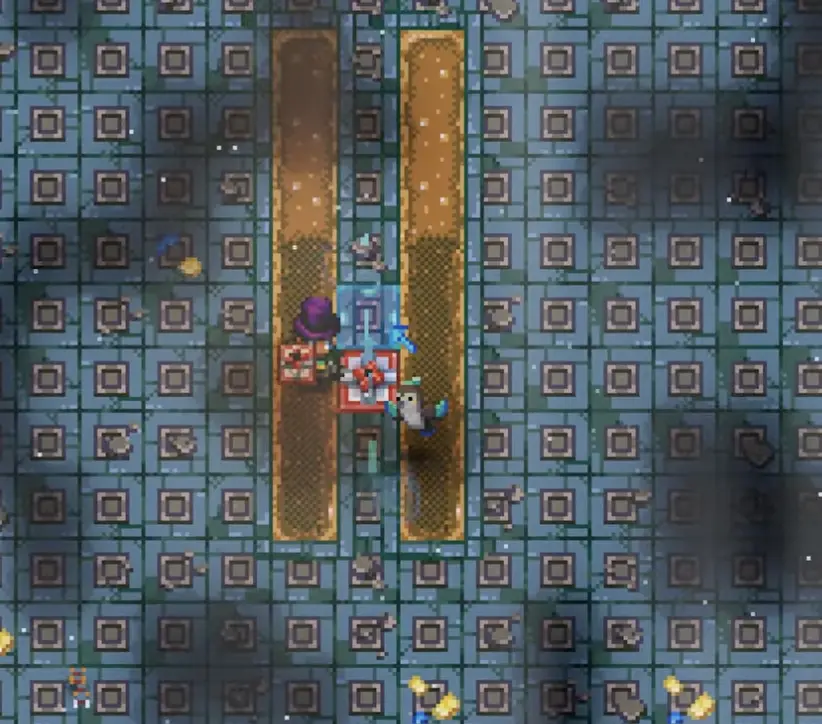
- Add sprinklers for full coverage (overlap is fine).
- Place power + seed extractors at the bottom center to anchor the loop.
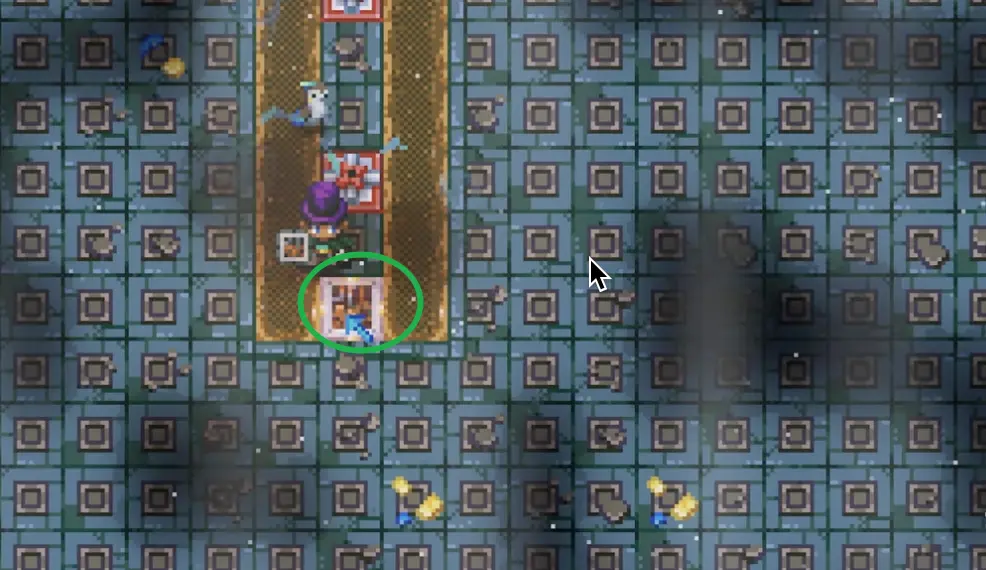
- Set extractors to the correct directions (1 down, 2 up) and add cleanup robot arms.
- Close the conveyor loop so seeds recirculate; optionally add a splitter to export extra seeds.
Placement tip: Build near your cooking/fishing setup to minimize hauling. If you’re pairing this with an auto-cooking loop, keep the belts and chests close.
Materials Needed (full-size example)
Counts vary by how many modules you stack. If you want, we can convert this into a “per-module” bill of materials later.
- ✓ Robot Farm Arms
- ✓ Robot Arms (cleanup + sorting)
- ✓ Conveyor Belts
- ✓ Conveyor Splitters (optional)
- ✓ Seed Extractors
- ✓ Sprinklers
- ✓ Wires
- ✓ Power generator(s)
- ✓ Crop seeds
- ✓ Appropriate ground tiles (dirt/coral/stone)
Step-by-step build
Layout the 8-tile module
Dig two parallel crop rows, each exactly 8 tiles long, with a 1-tile gap between them. This “8-block rule” is what keeps your extractor cycle stable.
Add sprinklers (coverage over perfection)
Place sprinklers so every tile is watered. Overlap is fine—your goal is “always watered” rather than minimal sprinkler count.
Why 8 tiles matters (avoid empty plots)
If your crop rows are 9–10 tiles long, seed extractors can’t always grind crops fast enough to keep the rotation full. The result: empty plots. At 8 tiles, the loop keeps up and your farm stays “full” over time.
Power + extractors (anchor the loop)
Place your power and the first extractor at the bottom center, then build conveyors so seeds return back into the farm loop.
Set extractor directions correctly
Direction matters. Use a stable setup (commonly: one extractor facing down, two facing up) so items flow into the right lanes and keep cycling.
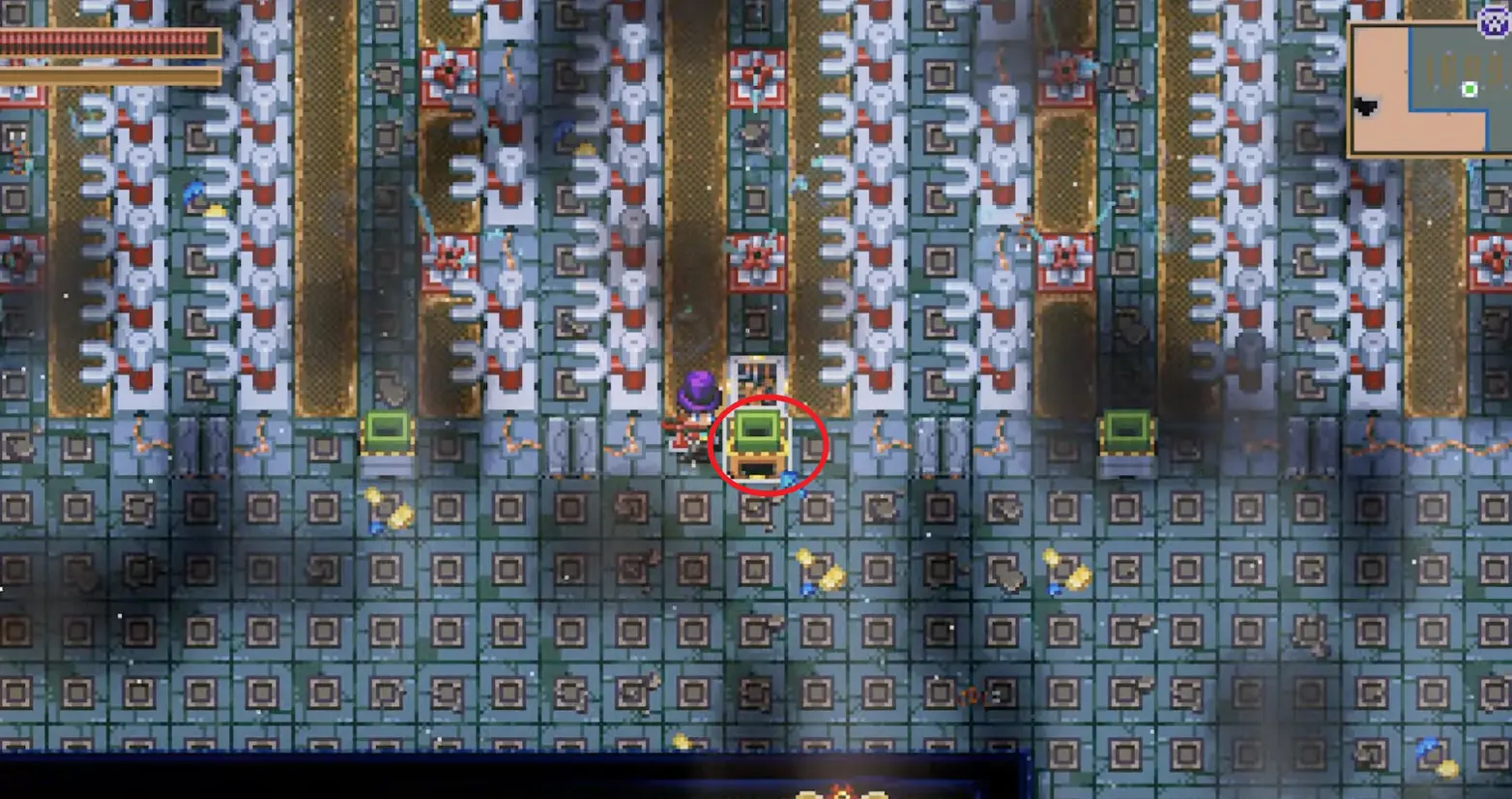
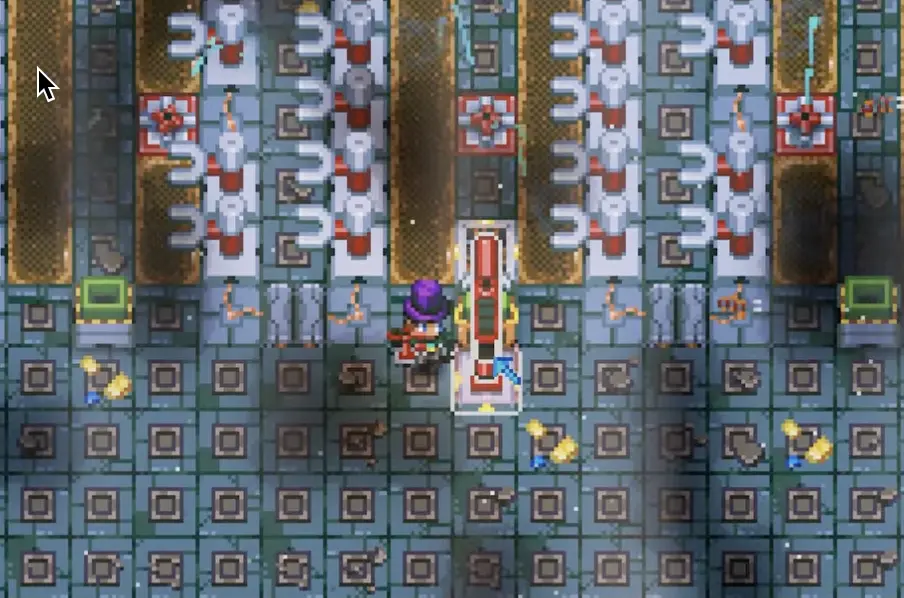
Prevent “extractor jams” (floating items)
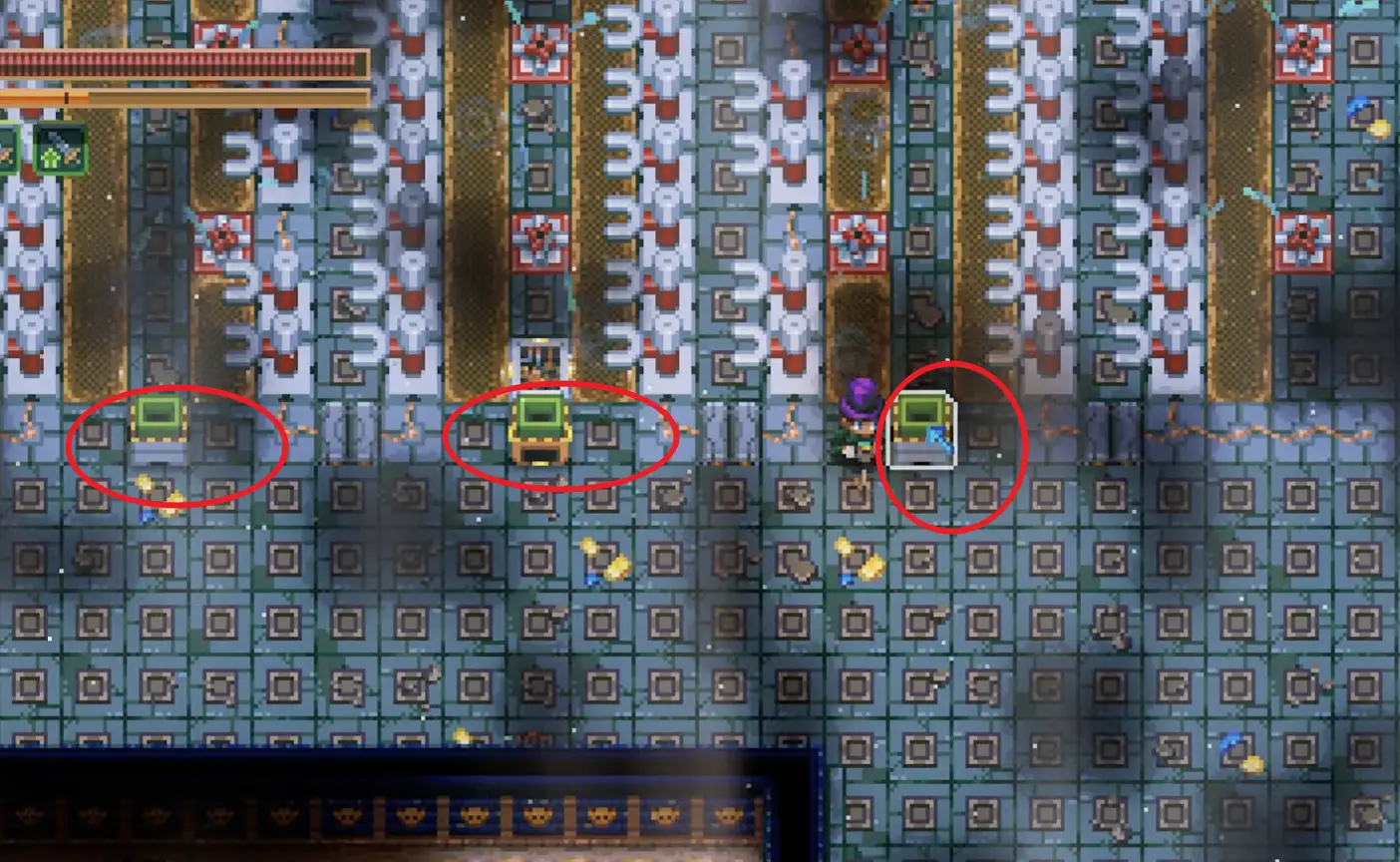
Seed Extractors don’t accept everything, so you may see items floating above them (especially when a machine is busy with one type and ignores another). This is the #1 reason automation farms stall.
Add a seed splitter (export extras for expansion)
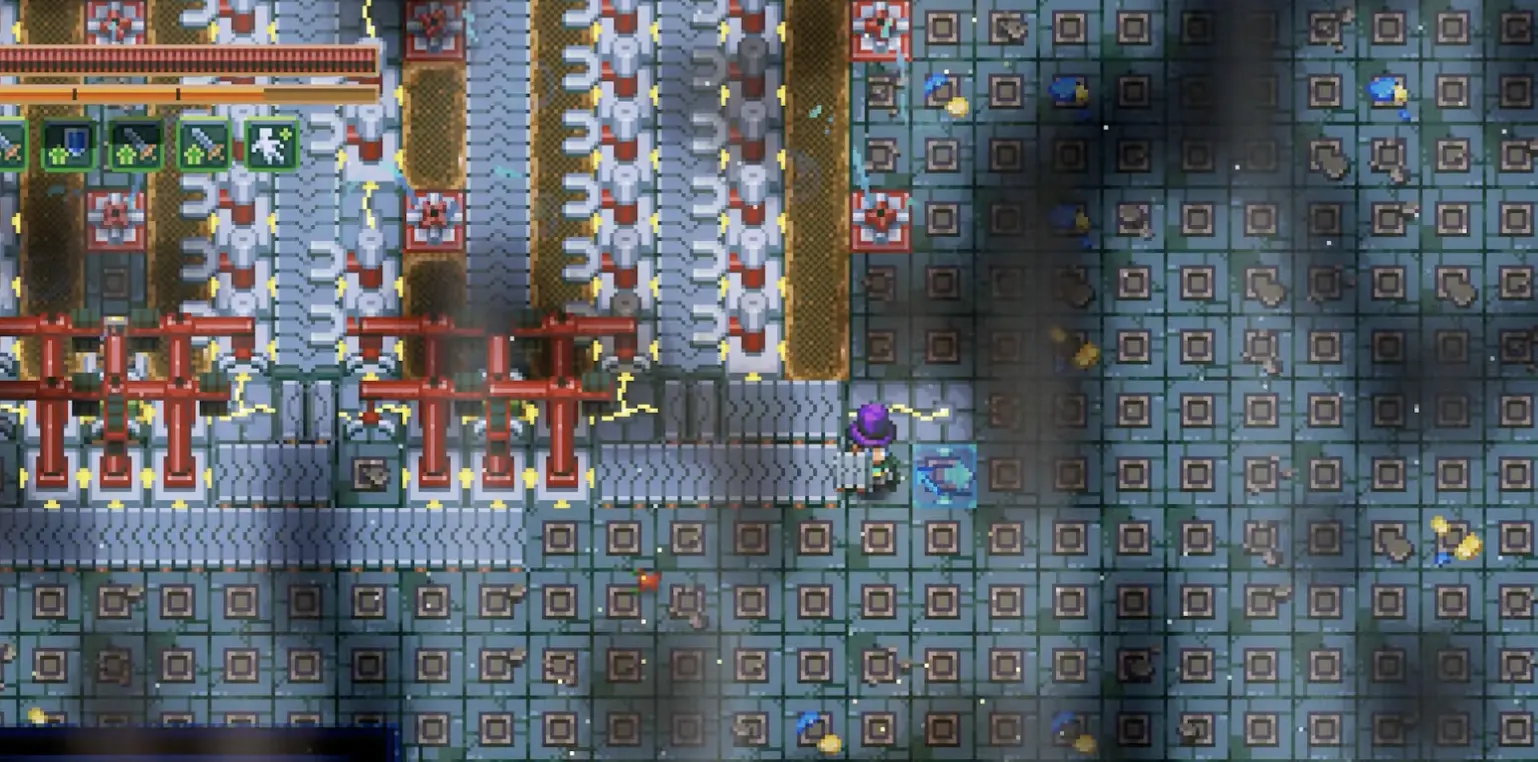
If you’re expanding, split seeds so most cycle back into the farm while a small amount exports to a chest. If you don’t want exported seeds, skip this and keep everything in the loop.
Troubleshooting
- Rows are longer than 8 tiles → rebuild as 8-tile modules.
- Seed loop isn’t closed → a belt is pointing the wrong way.
- Add “cleanup” robot arms under each extractor facing up.
- Ensure belts deliver items to the extractor tile cleanly.
- A splitter/export branch is taking too much seed flow.
- A chest-sorting arm is accidentally filtering seeds.
- Use dedicated arms for regular crop, golden crop, and ore.
- Avoid filtering “seeds” unless you’re intentionally exporting them.
Frequently Asked Questions
Q: Why should I limit crop rows to 8 tiles?
A: Rows longer than 8 tiles can make the seed-extractor cycle fall behind, which creates empty plots over time. Eight tiles is the stable “always full” module size.
Q: Why are seeds or golden ore floating above my Seed Extractor?
A: Seed Extractors only accept certain item types; anything not accepted can float above it. Also, if an extractor is “busy” with one type (regular vs golden), it may ignore the other—so you need a cleanup arm to pull floating items away.
Q: Do I need to export seeds into chests?
A: No. For a self-sustaining loop, you generally want seeds to keep cycling. Export seeds only if you’re expanding or stockpiling.
Now that you’ve got reliable crops, what should you cook with them?